

Installing Cable on Wood Using Lag Fittings
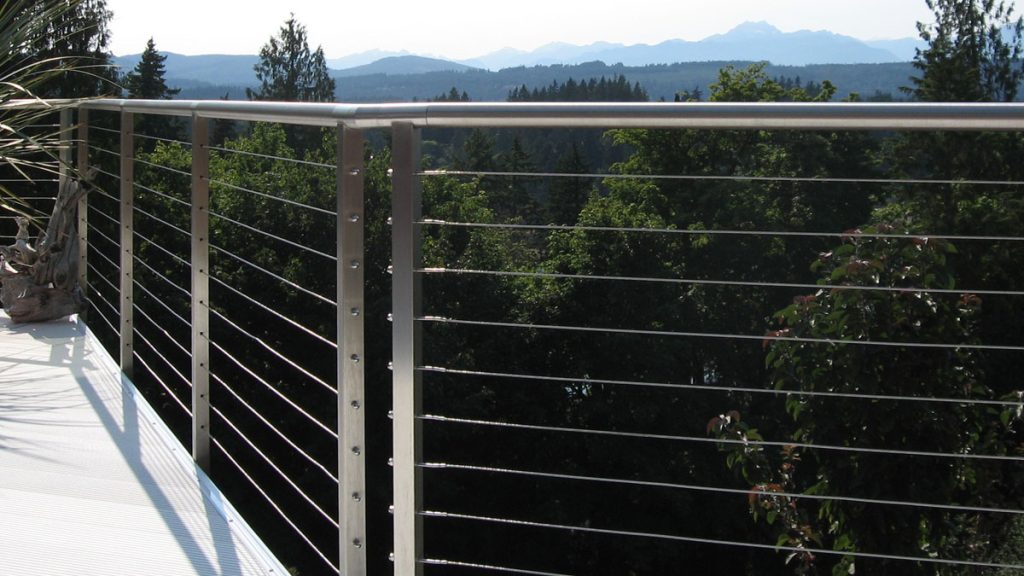
This guide covers everything you need to know about installing AGS Stainless cable infill on wood posts using lag fittings.
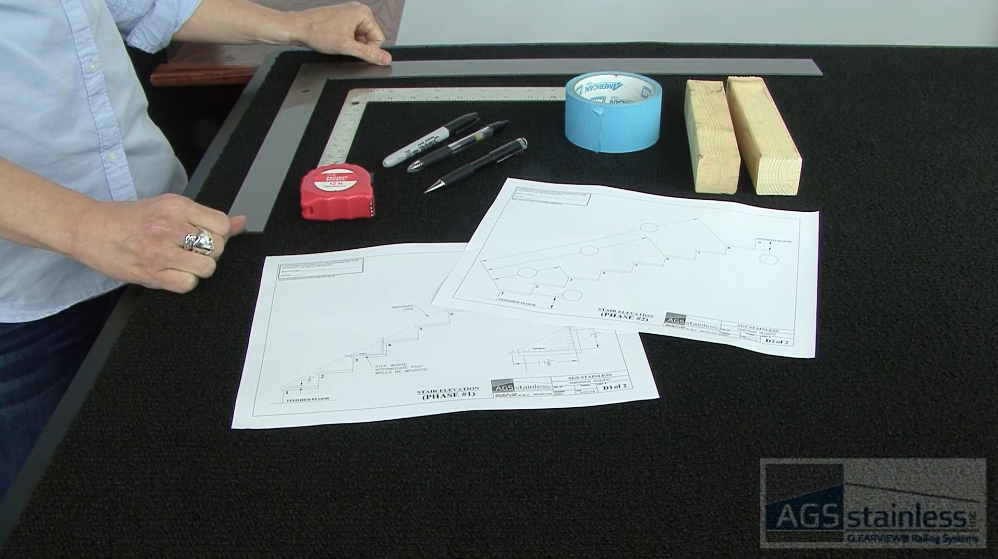
Gather Your Tools
- Safety Glasses
- Power Drill & AGS Drill Bit (sized for wood posts)
- 5/32″ Drill Bit (for intermediate through-holes)
- 1/4″ Drill Bit (if you are using Clearview® Cable Sleeves)
- (2) 12mm Open-End Wrenches
- Small Screwdriver or Allen Wrench (for tensioning the barrel)
- AGS Cable Cutters
- AGS Cable Crimpers
- Measuring Tape
- Permanent Marker
- Masking Tape
- BASF Bonding Agent (for handrail connections)
Before You Begin
- Read the Rainer Installation Guide
Read the entire guide before proceeding with your installation. - Hardware Check
Verify that you have both Lag Terminals (fixed end) and Adjustable Lag Terminals (tensioning end) for each run. - Layout and Protect
Use masking tape on wood posts before marking hole locations to prevent permanent stains. - Prepare Cable Sleeves (optional)
If your railing layout transitions from a horizontal run to a stair pitch, includes a corner or angle, or is on softer wood such as cedar or redwood, use Clearview® Cable Sleeves to prevent tensioned cable from “sawing” into the wood post over time. - Note Handrail Care
If installing a round top rail, the grain runs circularly. Clean and passivate in a circular motion. - Prepare Passivation
Have your AGS Cleaning & Maintenance Kit ready. Passivate all stainless steel components immediately after installation to protect from tool-marks and environmental contaminants. Remember to allow the solution to sit for 15-30 minutes before rinsing.
Step-by-Step Guide
Achieve a professional fit and finish with our Rainier resources. Download the full manual and follow our step-by-step video for a visual walkthrough.
-
Mark Post Holes
Apply masking tape to the face of your wood posts and mark the vertical hole locations for your runs.
-
Drill Pilot Holes
Drill 1/8″ pilot holes into the face of your starting and ending wood posts to a depth of approximately 1-1/2″. Do not drill through the post.
-
Insert Cable Sleeves
Push Clearview® Cable Sleeves into the holes on any intermediate posts where the cable will exit at an angle for example, at a corner, angle or stair pitch.
-
Mount Starting Lag
Thread the first Lag Terminal fitting into the pilot hole of your starting wood post using a wrench until the threads are fully seated.
-
Crimp Twice
Use your AGS Cable Crimpers to compress the fitting 1/2″ from the fitting’s end/edge. Then, crimp again, 1/2″ in from the first crimp.
-
String the Run
Pull the cable through all intermediate posts and prepared sleeves toward the ending post.
-
Mark the Final Cut
Pull the cable taut at the end post and mark the cable at the exact face of the wood post.
-
String the Run
Pull the cable through all intermediate posts and prepared sleeves.
-
Mark the Final Cut
Pull the cable taut at the end post and mark it at the center of the post.
-
Deduct 1-1/2 Inches
Pull the cable back and measure 1-1/2 inches back from your mark toward the cable run. Cut the cable here using AGS Cable Cutters.
-
Crimp Other Fitting
Insert the cut end into the Lag Tensioner fitting and crimp twice. (Repeat Step #5.)
-
Mount Tensioner
Thread the Lag Tensioner into the pilot hole of your ending wood post until the fitting begins to pull the cable taut.
-
Tension from Middle Out
Starting with the middle run, rotate the tensioner body until the cable is just taut. Alternate above and below the center to balance the load on the posts.
Important: Do not over-tension as the combined force of multiple runs can bow or deform wood posts. Tension until the “slack” is gone and the cable is firm. -
Lock Hardware
Once all runs are taut and meet the 4-inch sphere rule, tighten the locking nuts against the tensioner body to secure the system.